You've already said it
Ideas on a walk. A reflection in the car. A to-do you muttered into your phone. The hard part — capturing it — you've done.
Get the thoughts out of your head — and into your notes.
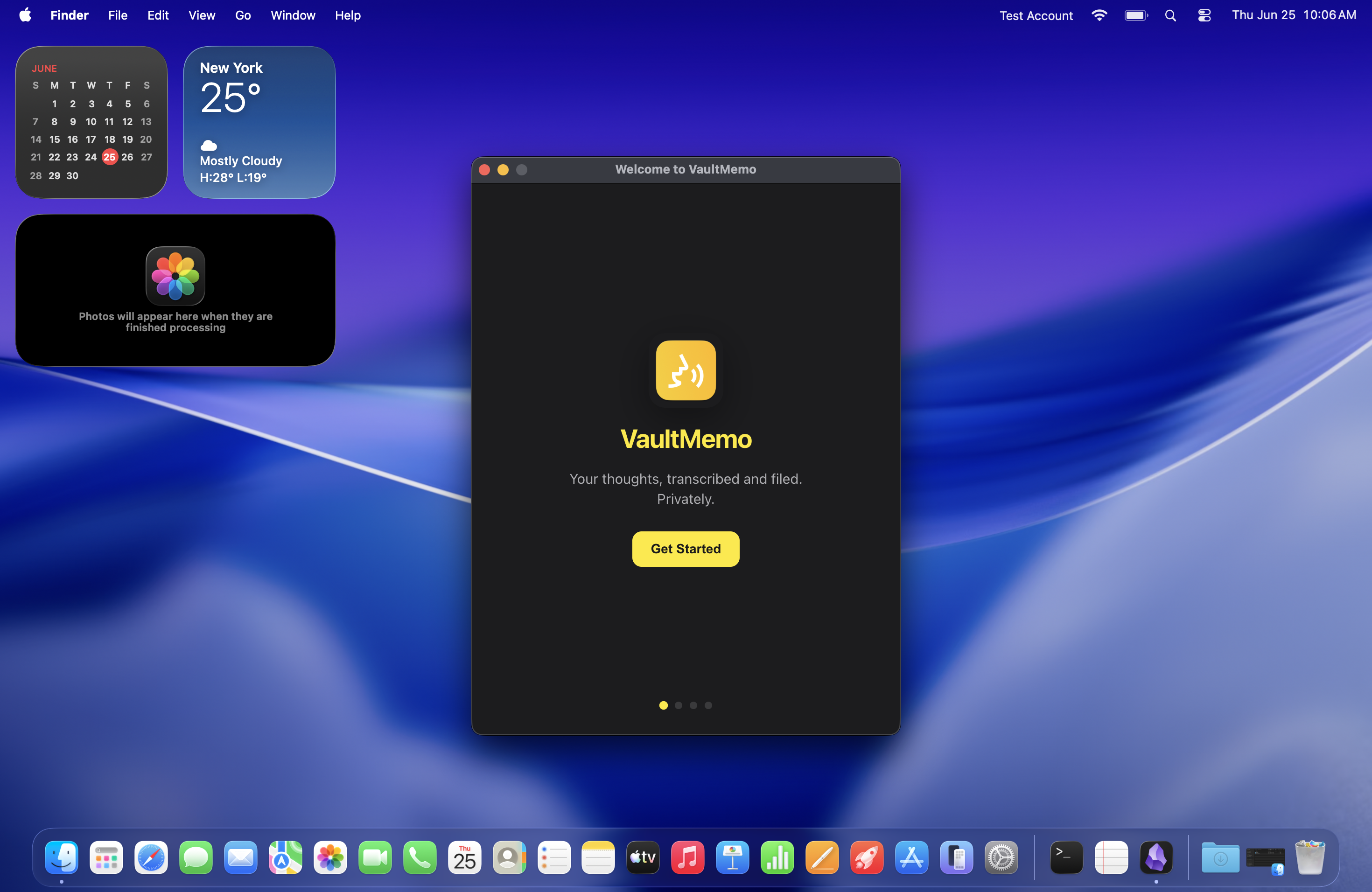
You already say what you're thinking. VaultMemo turns those voice memos into organized notes in your Obsidian vault — quietly, on your Mac. No uploads. No monthly bill. Just drop a file and let it go.
Ideas on a walk. A reflection in the car. A to-do you muttered into your phone. The hard part — capturing it — you've done.
Drag a voice memo onto VaultMemo from your Downloads folder or Voice Memos app. Catch up on a pile of recordings whenever you're ready.
A few minutes later, you open your vault and find a summary, tags, and anything you need to follow up on. It reads like something you'd actually keep.
Skim the day in one digest. Tweak a title or tag if you want. Then get back to thinking — not typing.
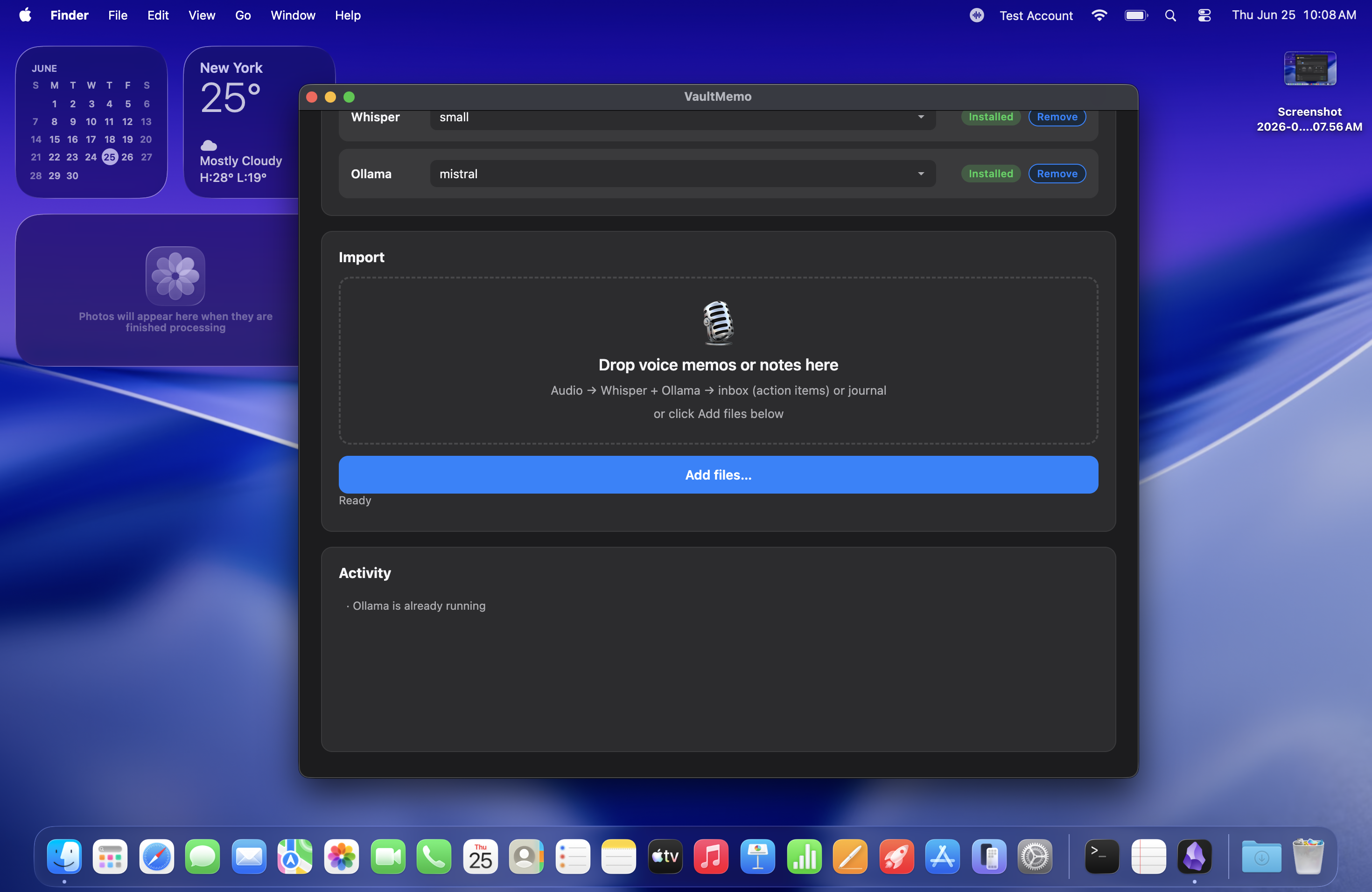
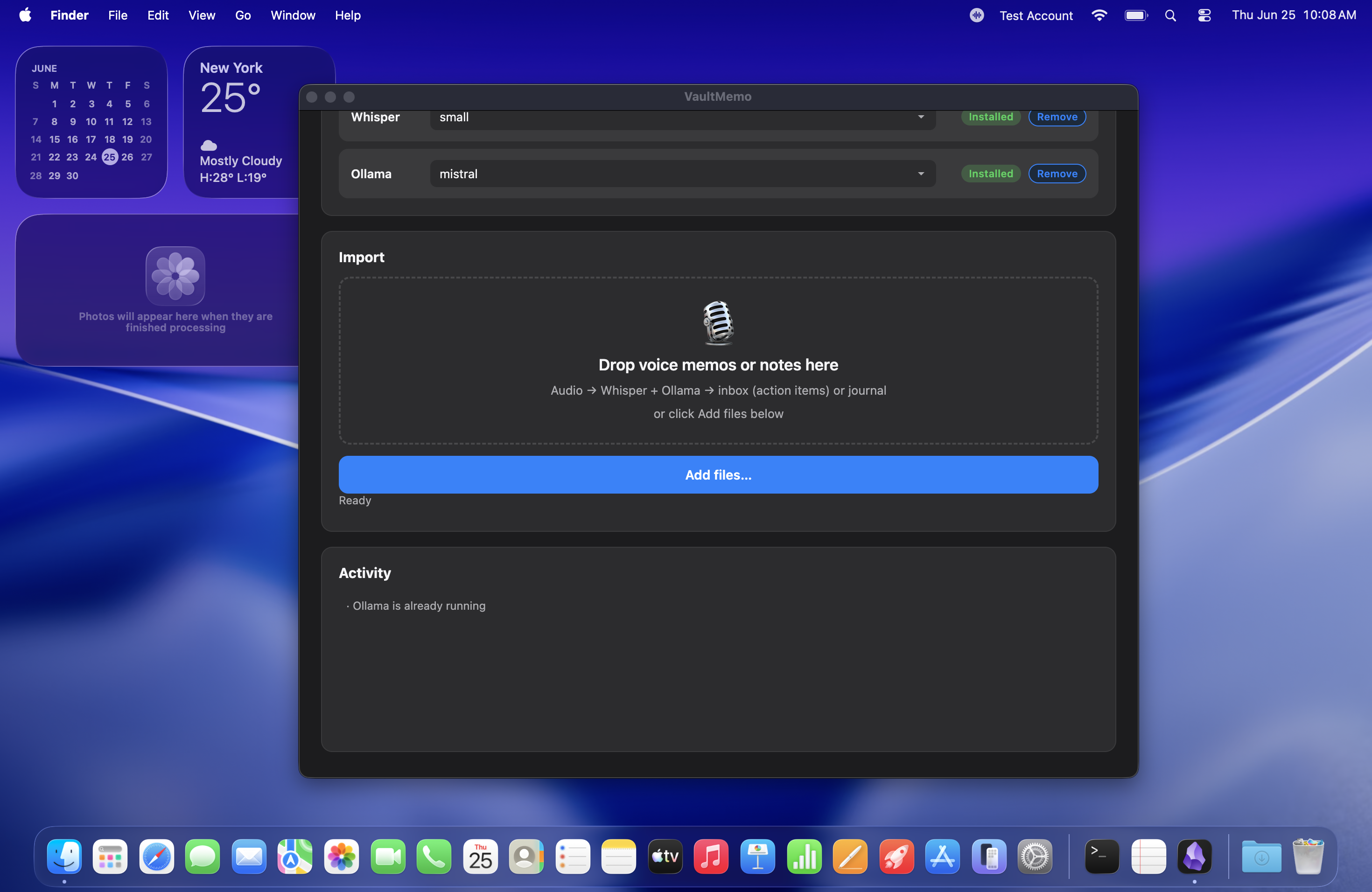
I built VaultMemo because I didn't want my thoughts sitting on someone else's server. Transcription, summaries, all of it — runs locally on your machine.
No accounts. No uploads. Your memos stay yours.
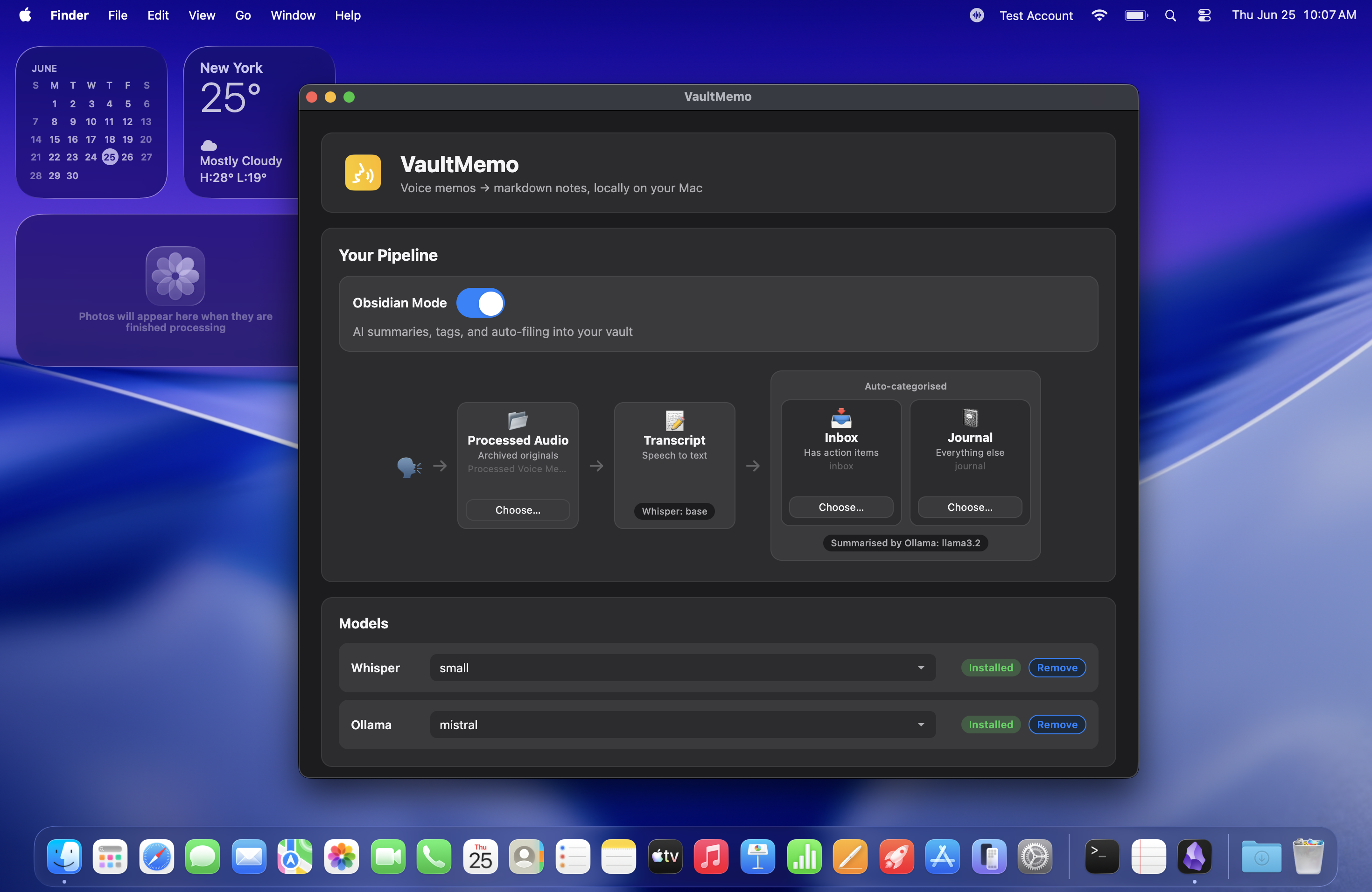
Drop a recording and get back something you'd actually keep in Obsidian — a summary up top, tags attached, follow-ups pulled out, the full transcript underneath if you need it.
Scattered memos from a Tuesday? VaultMemo rolls them into a single digest — what you were thinking, what you promised to do, what kept coming back.
Lives in the menu bar, not the Dock. Open it when you have memos to process, close it and forget it.
Point it at your vault, your folders, your workflow. Full Obsidian treatment when you want it — plain transcription when you don't.
You record ideas on dog walks and they sit in Voice Memos for weeks. You want them in Obsidian without an evening of copy-paste.
You think out loud — in the car, on a run, between meetings — and wish those thoughts actually made it into your second brain.
You care about privacy. You want AI to help organize your notes, but you'd rather not send your voice to someone else's server.
You just need a reliable way to turn recordings into markdown on your Mac. No fuss, no subscription.
Your thoughts shouldn't live on someone else's server — or behind a subscription you'll forget to cancel.
$34 — one time. No subscription.
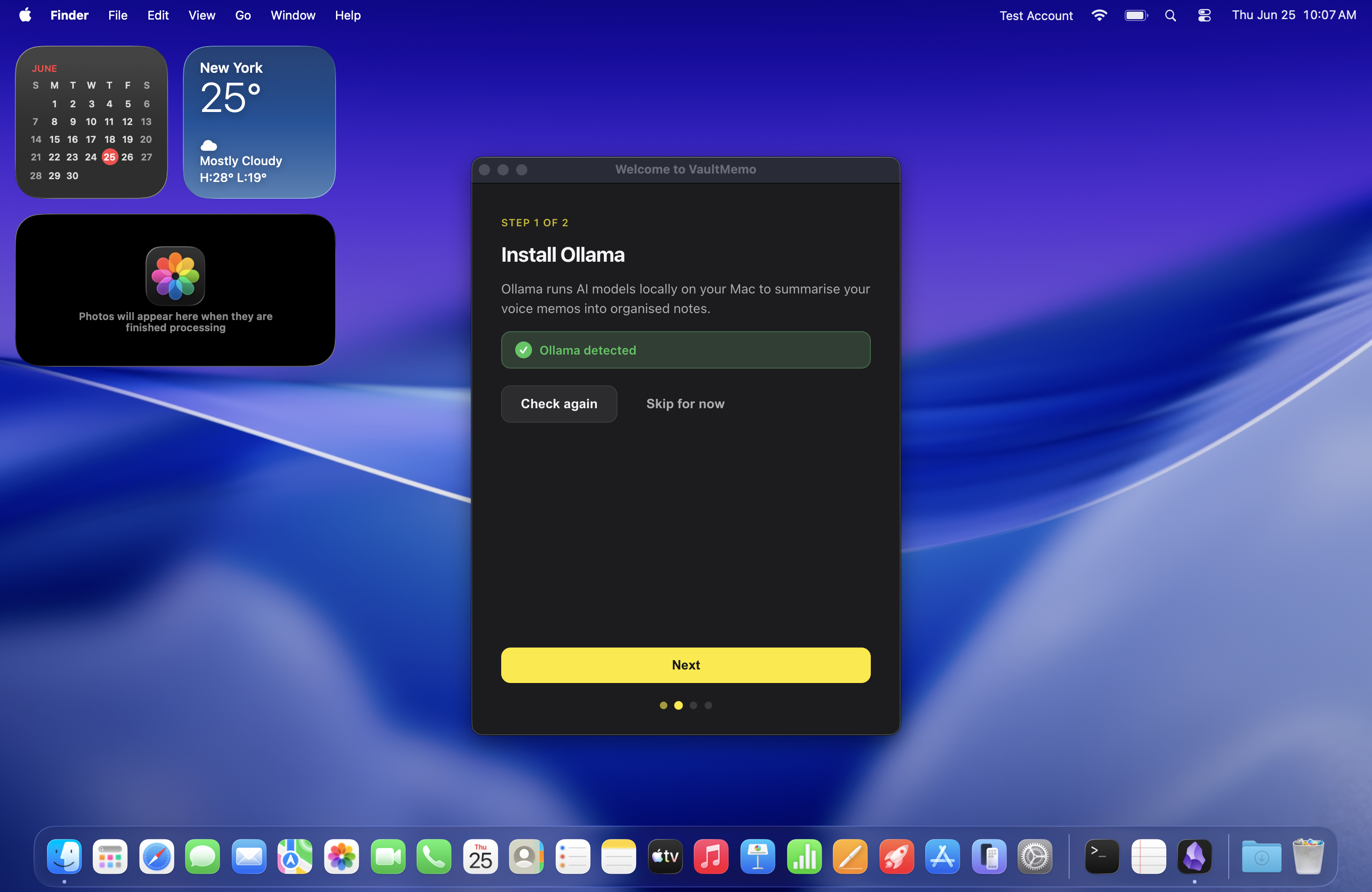
Buy Now View setup guideVaultMemo runs on Whisper (transcription) and Ollama (summaries, when you use Obsidian mode). Both are free, local, and open source. Requires macOS 14+ on Apple Silicon (M1 or newer); Intel Macs are not supported. Install the helpers once — the app walks you through the rest. Most people are up and running in a couple of minutes.
View setup guide →When you're ready to tune things, VaultMemo lets you pick the models that fit — faster transcription, sharper summaries, or both.
Switch transcription models anytime from the in-app carousel. Each card shows how much disk space the model uses.
tiny — fastest runs, smallest download, good for quick draftsbase — balanced default for everyday memoslarge-v3 / turbo — best accuracy when every word mattersPick whichever local model you think writes the best summaries, tags, and digests. You're not stuck with a default — experiment until the output feels right.
| Type | Extensions | What VaultMemo does |
|---|---|---|
| Voice memos / audio | .m4a, .mp3, .wav, .aac, .ogg, .flac, .webm, .mp4, .caf, .opus | Transcribes on your Mac. One file or a whole batch. |
| Text notes | .txt, .md, .markdown | Files them as markdown — no transcription needed. |
| Output notes | .md | Structured notes with tags and metadata, ready for your vault. |